Field guide
Fake fixes and Steam account safety
A private message offering a patch or admin help is a reason to verify the channel before doing anything with your account.
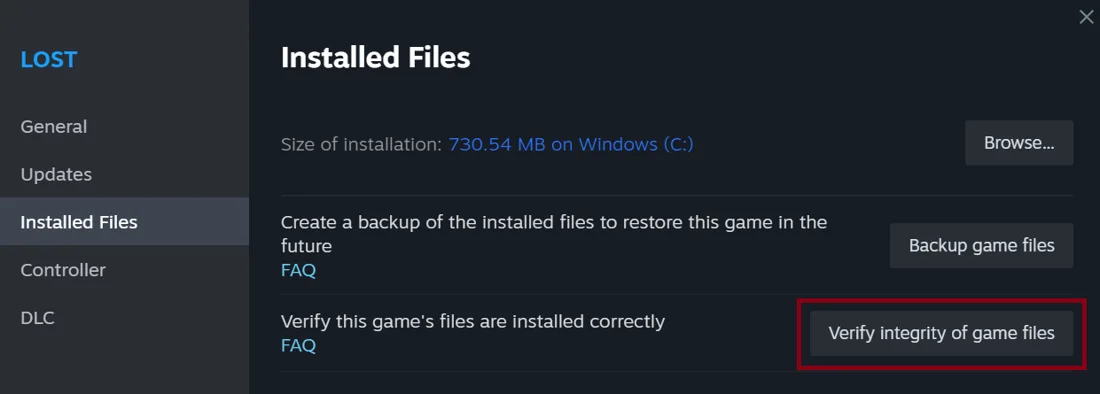
- Install ROB RUN updates through your Steam library. For a loading error, use Installed Files to check the installation and record the exact error message.
- Open support from Kefir’s help center yourself. Keep passwords and Steam Guard codes out of tickets, and disregard requests to scan a login QR code or pay for a fix.
- If you already shared login details, use a trusted device to secure your email and Steam account. Use Steam Support’s account-recovery flow if you cannot sign in.
Someone sent me a login QR code
Stop the chat and open Steam Support directly. A QR login can authorize another session. If you approved it, review signed-in devices and revoke unknown sessions before returning to the game.