Field guide
Tracking announced changes and released patches
Use the announcement date and the patch date separately when planning a server move or investing in an unlock.
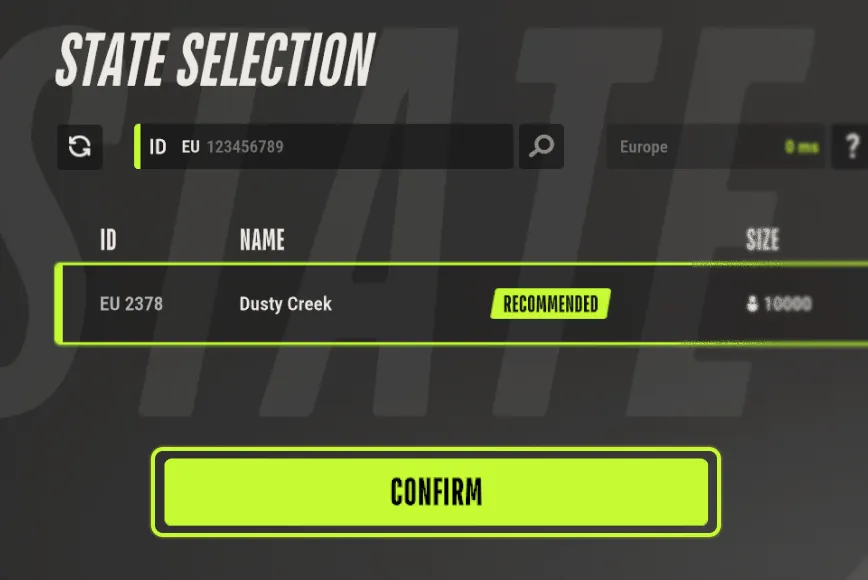
- Read the developer’s patch notes in Steam News for shipped features. The November 17 patch added jail-time limits, and the November 20 patch added online friends to the server list.
- For prospective changes, check the wording in Kefir’s dated statement. The November 23 anti-cheat announcement discusses restricted states; an announcement alone does not tell you which state is open today.
- Before switching state, check the live server list and time remaining. If a release date or eligibility threshold is missing, leave it open in your plan.
Friends appear on the list but cannot join
The friends indicator shipped on November 20. It helps find a state; it does not transfer a character or reserve a slot. Compare the state names and read the transfer prompt before accepting.